Solver
Queens solver
Stuck on a Queens puzzle? Paint its regions here and step through the solution one logical move at a time, or jump to the answer.
1. Board size
2. Paint each region
Pick a colour, then tap or drag over the cells. Colours do not need to match the original, only the shapes.
3. Solve
How it solves
The solver uses the same steps a good human solver does, always the simplest one that makes progress: a region with one cell left, a region confined to one row or column, a cell that would block a whole region, a squeeze of two regions into two rows. Each step comes with a sentence saying what it saw. Each technique has its own page under Queens techniques.
For today’s LinkedIn Queens you do not need to paint anything: the daily hints page has the board, the steps and the answer ready.
Questions
Can it solve LinkedIn Queens?
Yes. Paint the regions to match the board you see, and the solver works on any Queens puzzle up to 11×11. For today’s LinkedIn puzzle you can also go straight to our daily hints page.
Does it guess?
No. It solves the way a person does, using the cheapest deduction available at each step, and tells you which one it used. Only if nothing simpler works does it test a queen and follow the consequences.
Why does it say my board has more than one solution?
A real Queens puzzle has exactly one. If the solver finds two, a region is almost always painted slightly differently from the original. Check the cells along region borders.
The reina app
5,800+ Queens puzzles, no ads
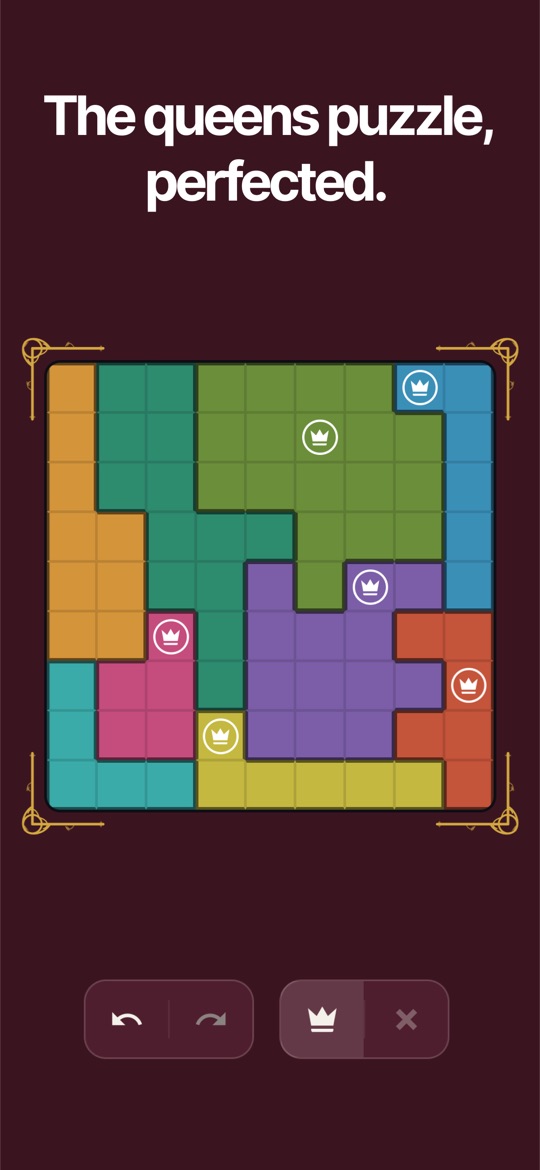
The puzzle you know from LinkedIn, without the one-a-day limit.
- 5,800+ puzzles from 5×5 to 11×11, each with one answer you can reach by logic
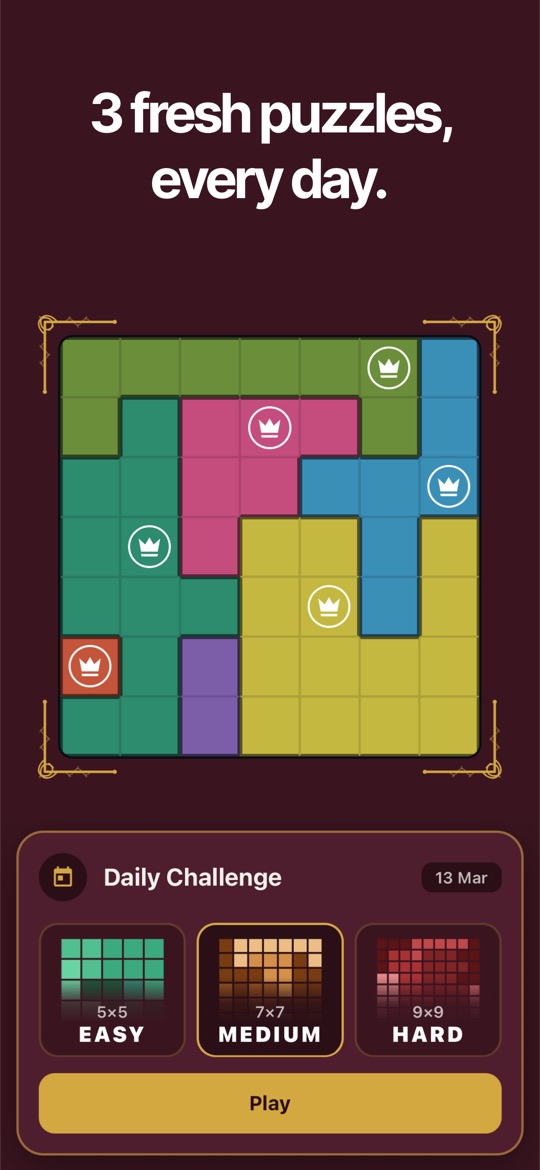
- Three new puzzles every day, easy, medium and hard, with a streak to keep
- Hints that teach: mistakes first, then the next logical step, never a guess
- £2.99 once. No ads, no subscription, works offline
Rated 5.0 on the App Store and Google Play